How to write technical documentation
Technical documentation is similar to other documentation, but it also has some specific qualities to keep in mind
What to write in your technical documentation
When you’re writing technical documentation, it’s more important than ever to give your readers all the information they need, without adding too much detail. Let’s start with the kinds of sections you should think about including.
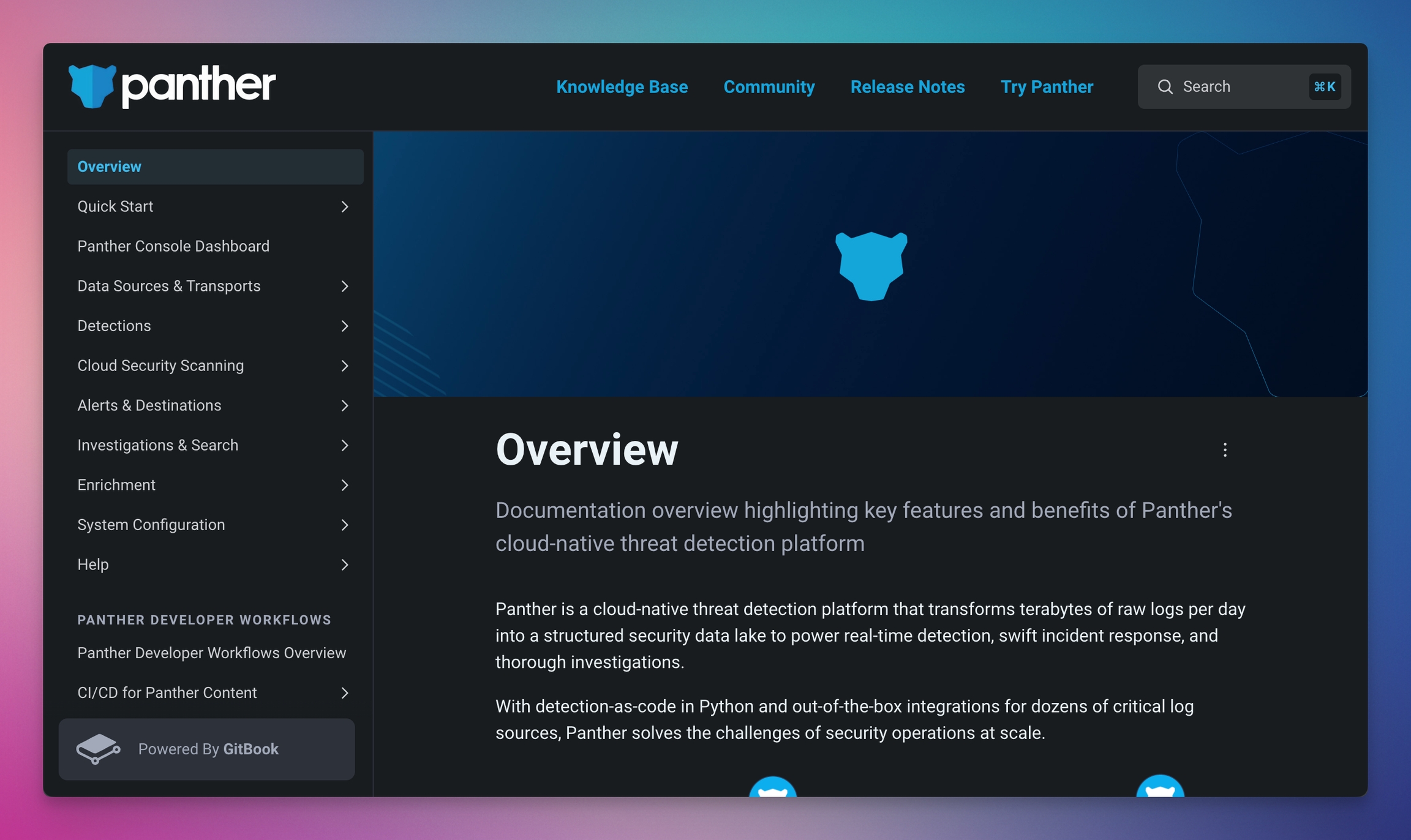
Tip: If you’re using an online documentation platform such as GitBook, you can add some of the elements below to your navigation bar to make them easy to access from anywhere — as well as a call to action such as ‘Sign up for free’.
A quick start guide
A lot of visitors to your docs may want a quick overview of what you’re writing about. So explaining what your project does and why you’re working on it is super helpful. I think IONOS does a great job of this, explaining the product in just two lines of text, then linking to a guide for more info.
A sample of your code
If your code is simple but makes a major improvement on an established process, you might want to show that off on your opening page. A small snippet if an easy win — and with a tool like GitBook you can insert a code block, or use an integration to link GitHub code snippets directly into your docs.
A link to your code or APIs
Whether people want to browse and contribute to your code, or just want to get started with your APIs, it’s a good example to link to everything your readers might need in one place. Again, in tools like GitBook you can easily link to APIs using API Method or OpenAPI blocks.
For instance—At GitBook we've just launched a new feature that lets you take the power of AI and get context rich answers based on your published content. The API is documented like you see below:
Installation instructions
Remember — we’re trying to make it as easy as possible for people to get started with your work. Try and explain how to do that in a couple of sentences, and link to a dedicated page of instructions if you need to add more information.
Details for people who want to contribute
You might’ve written your code in a specific way, and want others who contribute to do the same. Write those standards down, and then everyone will be on the same page.
With a tool like GitBook, you can also set up a two-way sync your documentation to a GitHub repo. That way, if someone contributes to your work on GitHub, the changes will automatically sync to your GitBook documentation so everything is up-to-date.
FAQs and support information
There are bound to be questions that a lot of people ask about your product. If that’s what people are searching for, it’s a good idea to address it — either by fixing it, if it’s a bug, or by documenting the question and a good answer. And don’t forget to tell people where they can go to get more help if they don’t find the answers they need.
The most important thing here is keeping your FAQs up to date. Make sure you tweak them when you release an update, or add extra questions if you see users asking the same thing often.
Licensing information
How are people allowed to use your code? It might not seem important, but if someone wants to use what you’ve done, they need to know the restrictions. Choose one of the common licenses — such as GNU, Apache or MIT — and list it clearly in documentation.
The best technical documentation format
Okay, so I'm biased, but in my opinion the best technical documentation format is a dedicated online tool — like GitBook — that makes it easy to create, structure, edit and continuously update your documentation.
Tools like this are ideal, because they also allow you to sync your content directly with GitHub or GitLab. So you can import your existing content to give you a good basis for your docs, then expand on it using dedicating editing tools, integrations and more.
Of course, you can also write your technical documentation in other formats — a simple plain text page will also do the job, or even a basic Wordpress site. But the best online documentation tools give users a great experience, and offer built-in features like templates, Git-like version control, and customization options.
Communicating technical information clearly
Once you’ve chosen your technical documentation format, it’s time to start writing. Communicating clearly is especially important when it comes to technical information — for two reasons.
First, the thing you’re writing about may be quite complex, so being clear will avoid confusion. Especially for people who don’t have as much knowledge as you.
And second, for many people your documentation will serve as a reference for whatever they’re working on. They may be looking for a specific piece of information, or land on your docs from a Google search. And when people are looking for something specific, giving them a succinct, clear answer is just about the most useful thing you can do.
Keep things simple (but don’t leave out important details)
Because of all that, simplicity is essential in your technical documentation. Don’t waste your users’ time if they’ve run into a problem and stumbled on your documentation looking for a quick solution!
Avoid adding unnecessary details. If you have extra information that may be helpful to specific people, like developers, think about adding it into an FAQs section, or insert an expandable section below the main body of your content with the extra detail. That way, people who want it can find it, but it won’t get in the way for people who just need the basics.
Last updated